
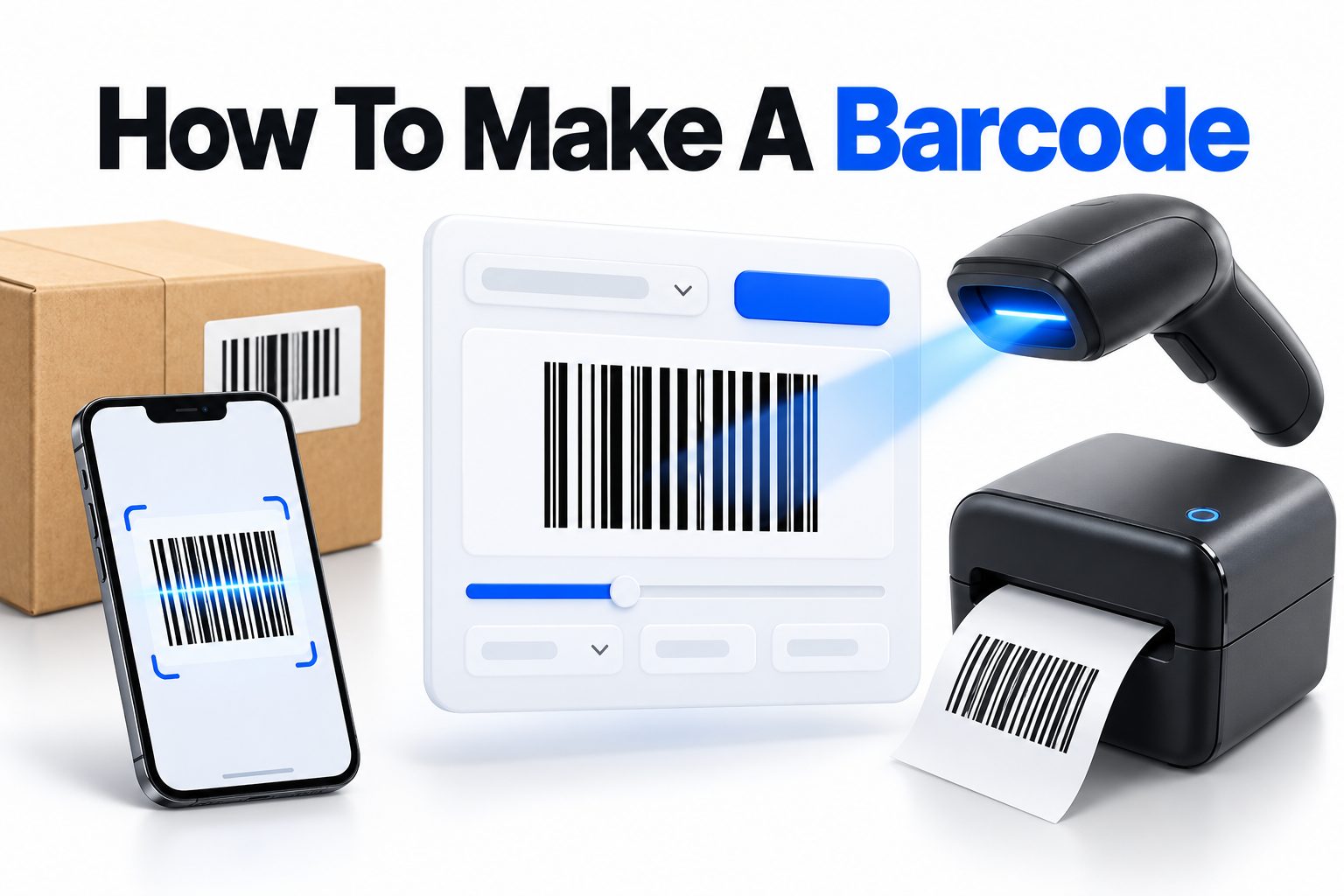
A barcode turns product information into a pattern that scanners can read in seconds. It may look complicated, but creating one is usually straightforward once you know what type of barcode you need, what data it should contain, and where it will be used. The right method depends on whether you are labeling products for retail, tracking inventory, sharing a website link, or organizing internal records.
This guide explains how to make a barcode from start to finish. You will learn the difference between common barcode formats, how to choose the correct type, how to generate and download a barcode, and how to test it before printing. You will also see when a QR code is a better option, why some barcodes fail to scan, and what businesses should consider before placing codes on products.
The process can be completed with a free online generator for simple uses. Commercial products and retail distribution may require an official identification number and registration through the appropriate standards organization.
Decide What the Barcode Needs to Do
Before generating a barcode, decide what information the code must represent. A barcode does not automatically contain a product description, price, or image. It stores a number or text string that a scanner or app translates into usable information.
For example, a retail barcode may identify a specific product in a store’s point-of-sale system. An inventory barcode might represent an internal stock number. A shipping label may encode a tracking number, while a personal project could use a barcode to store a short reference code.
The intended use affects the barcode format, data length, printing size, and registration requirements. A code created for internal inventory does not necessarily need the same setup as a product intended for sale through supermarkets.
Common barcode uses
- Retail product identification
- Warehouse and inventory tracking
- Library or document management
- Event tickets and membership cards
- Shipping and package tracking
- Asset labeling
- Coupons and loyalty programs
- Website links and digital information
For a simple label, create a unique identifier for each item and convert it into a compatible barcode format. Keep a record connecting each identifier to the product, asset, or document it represents.
Choose the Right Barcode Type
Different barcode formats are designed for different jobs. The most suitable option depends on how much data you need to store, whether the code must work at retail checkout, and what kind of scanner will read it.
One-dimensional barcodes use vertical bars and spaces. They typically store numbers or a limited amount of text. Two-dimensional codes, such as QR codes, use patterns of squares and can hold more information, including URLs, contact details, and longer text.
Common one-dimensional formats
UPC-A is widely used for retail products in the United States and Canada. It normally contains 12 digits and is intended for product identification at checkout.
EAN-13 is common internationally and uses 13 digits. Many products sold outside North America use this format.
Code 128 can encode letters and numbers efficiently. It is frequently used for logistics, shipping, and internal inventory systems.
Code 39 is an older format that supports uppercase letters, numbers, and several symbols. It remains useful in some industrial and government applications.
ITF-14 is designed for cartons and cases rather than individual retail products. It generally represents packaging-level information.
Two-dimensional options
A QR code is often better when the goal is to send someone to a website, display a menu, share Wi-Fi details, or provide more information than a traditional barcode can comfortably hold. It can be scanned with most modern smartphone cameras.
Data Matrix codes are compact two-dimensional symbols used in manufacturing, healthcare, and product traceability. They can hold information in a small physical area, making them useful when label space is limited.
How to Make a Barcode Online
For personal projects, internal records, and basic labels, an online barcode generator is usually the quickest approach. You select a format, enter the data, generate the image, and download it for use in a document or design program.
Use a reputable generator that clearly identifies the barcode type and lets you choose a suitable output format. Vector formats such as SVG or EPS are often preferable for printing because they can be resized without becoming blurry.
1. Select the barcode format required for your use.
2. Enter the number or text you want the barcode to represent.
3. Check the data carefully before generating the image.
4. Create the barcode and inspect the preview.
5. Download the code in a high-quality format.
6. Test it with the scanner or app that will be used in practice.
7. Place it on the label with enough surrounding space for reliable scanning.
A generator can create the visual symbol, but it does not confirm that your data is commercially valid. For a retail product, the number may need to come from an official organization rather than being invented randomly.
Creating a Barcode for a Retail Product
Retail barcodes require more planning than a code for an office folder or storage bin. A product identifier must be unique and recognized by the retailers, marketplaces, distributors, or point-of-sale systems that will use it.
In many cases, businesses obtain a company prefix and assign product numbers through GS1, the organization responsible for global barcode standards. The exact registration process varies by country. Some retailers also have their own rules for product data, packaging, and barcode placement.
Retail barcode requirements
A retail barcode usually needs:
- An officially assigned product identifier
- The correct symbol format, such as UPC-A or EAN-13
- Appropriate sizing and print quality
- Clear placement on the product package
- Adequate contrast between bars and background
- Quiet zones around the barcode
- Verification with a suitable scanner
Do not reuse the same retail number for different products, sizes, flavors, colors, or package quantities. A blue shirt and a red shirt may require separate identifiers if they are sold or tracked as distinct products.
Barcode Data and Product Numbers
A barcode is only as useful as the data behind it. When a scanner reads the symbol, the resulting number is matched against a database, inventory system, checkout platform, or other application.
For internal use, you can create a numbering system that is easy for your organization to maintain. For example, a business might use “WH-000245” for a warehouse asset or “DOC-2026-018” for a document record, provided the chosen barcode format supports those characters.
Avoid putting unnecessary information directly into a barcode. A compact identifier linked to a database is often easier to update than a code containing a long product description. If the product details change, you can update the database without redesigning every label.
Barcode Generator Comparison
The best creation method depends on the purpose, level of control, and number of codes required.
| Method | Best for | Main advantage | Main limitation |
|—|—|—|—|
| Online generator | Occasional labels and basic projects | Fast and simple | Limited automation and validation |
| Spreadsheet add-on | Small inventory lists | Creates multiple codes from rows | May require setup and compatible fonts |
| Label software | Organized product or asset labeling | Combines data, design, and printing | Some features may require payment |
| Barcode library | Websites and internal applications | Supports automation at scale | Requires technical knowledge |
| Official registration service | Retail products | Provides recognized identifiers | May involve registration fees and rules |
| QR code generator | Links and larger data | Stores more information | Not accepted by every retail scanner |
A single code can be generated manually, but large inventories benefit from batch creation. When producing hundreds or thousands of labels, automation reduces typing errors and keeps identifiers consistent.
Printing a Barcode Correctly
A barcode can be technically valid and still fail in practice because of poor printing. The symbol needs enough detail, contrast, and surrounding space for a scanner to distinguish the bars from the background.
Print black bars on a white or very light background whenever possible. Dark blue or dark green may work in some situations, but unusual color combinations should be tested carefully. Red bars are often difficult for traditional red-light scanners to detect.
Do not stretch a barcode unevenly. Scaling it horizontally or vertically can change the proportions of the bars and make decoding unreliable. If you need a different size, resize the entire image proportionally or regenerate it at the required dimensions.
Print-quality checklist
- Use a sharp, high-resolution file.
- Prefer vector artwork for professional printing.
- Keep the bars crisp and free from jagged edges.
- Leave clear space on both sides of the symbol.
- Avoid placing the code over folds, seams, curves, or glossy reflections.
- Print a test label before producing a large batch.
- Scan labels from their final packaging or material.
Thermal printers are commonly used for warehouse and shipping labels because they produce clear, durable marks. Inkjet and laser printers can also work, provided the print resolution and contrast are sufficient.
Testing the Barcode Before Use
Testing should happen before labels are distributed, products are shipped, or inventory is entered into a live system. A quick scan confirms that the symbol is readable, but a complete test also checks whether the scanned data leads to the correct record.
Use the same type of device that employees, retailers, customers, or delivery partners will use. A phone app may read a code that a point-of-sale scanner rejects, so relying on one scanning method is not always enough.
A practical testing process
1. Scan the barcode from the intended distance.
2. Try it under the lighting conditions where it will be used.
3. Test the code on the final label material.
4. Confirm that the decoded number is correct.
5. Check that the number opens or retrieves the correct database record.
6. Scan several copies to catch printing or alignment problems.
7. Test damaged, slightly curved, or partially obscured labels if those conditions are realistic.
If the scanner reads the wrong number, compare the displayed result with the source data. The problem may be a typing error before generation rather than a printing issue.
Common Barcode Problems and Fixes
Barcode failures usually come from incorrect data, unsuitable formatting, poor contrast, insufficient size, or interference from the label design. Fixing the cause is more reliable than repeatedly generating the same code.
The scanner cannot read the code
Increase the print quality and check that the barcode has not been compressed or blurred. Confirm that the symbol is large enough for the scanner and that the quiet zones on each side remain visible.
The barcode scans inconsistently
Look for reflections, curved surfaces, uneven ink, or labels placed too close to edges. A glossy package can create glare that prevents the scanner from seeing the bars clearly.
The generated code is rejected
The chosen format may not support the data you entered. Some formats require a specific number of digits, while others accept only certain characters. Select a compatible format or correct the input.
The wrong product appears
Check the number in the source spreadsheet, barcode generator, and inventory system. A single transposed digit can connect the code to the wrong item.
The code works on a phone but not at checkout
A phone app may support a wide range of barcode formats, while a retail scanner or store system may accept only approved product identifiers. Confirm the retailer’s requirements before printing packaging.
Barcode Versus QR Code
Traditional barcodes are usually the better choice when a system needs a short identifier that connects to a database. They are fast to scan, familiar in retail and logistics, and efficient when printed on narrow labels.
QR codes are more suitable when people need to access digital content directly. A customer can scan a QR code to visit a product page, read instructions, download a file, or view contact information. The choice should follow the task rather than the appearance of the code.
Choose a traditional barcode when
- The code identifies a product or asset.
- A point-of-sale or inventory scanner will read it.
- The data is short and mainly numeric.
- The label is narrow or elongated.
- The code connects to an existing database.
Choose a QR code when
- The code needs to store a website address.
- Users will scan with smartphone cameras.
- You want to share more than a short identifier.
- The destination may be updated through a redirect.
- The code needs to work in a compact square area.
For more help choosing between formats, see [Internal Link: QR Code vs Barcode].
Automating Barcode Creation
Businesses with many products or assets should avoid creating each barcode manually. A spreadsheet can hold the identifiers, descriptions, locations, and other fields, while label software or a barcode library converts the identifier column into images.
Automation is especially helpful when records change regularly. It can generate consistent labels, reduce duplicate numbers, and make it easier to reproduce a lost or damaged label. Before automating, establish rules for numbering and decide who can create or modify identifiers.
Good automation practices
- Keep one central source of truth for identifiers.
- Prevent duplicate numbers with validation rules.
- Separate product descriptions from barcode values.
- Record when each identifier was assigned.
- Keep a backup of the barcode data.
- Test a small batch before printing everything.
- Use version control for scripts or templates where appropriate.
A barcode image should never be treated as the only copy of the information. Store the original number and its associated record separately so the code can be recreated if the image file is lost.
Barcode Security and Privacy Considerations
A barcode does not automatically make information private. Anyone with a compatible scanner may be able to read the value encoded in it. If the barcode contains a plain tracking number, membership number, URL, or personal detail, consider what could happen if the label is photographed or copied.
For sensitive applications, use a random reference value that points to protected information in a secure system. Avoid placing passwords, private customer details, or confidential business data directly inside a publicly visible barcode.
A barcode can also be copied and attached to another item. For high-value products, combine barcode identification with additional controls such as serial-number verification, tamper-evident labels, authentication records, or a database check.
Best Practices for Reliable Barcodes
A reliable barcode begins with accurate data and ends with testing in real conditions. Design choices that look minor on screen can have a major effect once the code is printed on packaging, labels, or curved surfaces.
Keep the symbol simple and readable. Avoid decorative effects, low-contrast backgrounds, excessive resizing, and placement near visual clutter. The barcode should be easy for a scanner to locate and easy for staff to replace if it becomes damaged.
Use these practical guidelines:
- Match the format to the scanning system.
- Use unique identifiers for distinct products or assets.
- Keep adequate white space around the symbol.
- Print at a suitable size and resolution.
- Avoid distortion and decorative overlays.
- Test the final printed label.
- Maintain the original data in a secure record.
- Confirm commercial requirements before selling products.
- Recheck numbers before a large print run.
Conclusion
Making a barcode is usually a simple process: choose the right format, assign accurate data, generate the symbol, print it clearly, and test it with the equipment that will scan it. A free generator is suitable for many internal labels and personal projects, while retail products may require officially assigned identifiers and compliance with industry standards.
The most important decision is not the generator itself. It is selecting a barcode type that matches the task. Use a traditional one-dimensional code for short identifiers connected to inventory or checkout systems. Choose a QR code when people need to access a website or larger amount of digital information.
When learning how to make a barcode, remember that the image is only one part of the system. Keep a reliable record of the underlying number, protect sensitive information, and test the final label under real conditions. Those steps help ensure that the code remains useful long after it has been printed.
Frequently Asked Questions
Can I create a barcode for free?
Yes, many online generators can create basic barcodes at no cost. Free tools work well for internal labels, personal projects, and temporary use. Retail products may still require officially registered identifiers and additional verification.
What information can a barcode contain?
A barcode can contain numbers, letters, or short text depending on its format. Most business barcodes store a compact identifier that connects to a database rather than holding a complete product description.
Can I make a barcode from a product name?
Usually, a product name must first be converted into a suitable identifier. Some barcode formats support text, but retail systems generally expect an approved numeric product code rather than an arbitrary name.
Why does my barcode not scan?
Common causes include low resolution, poor contrast, incorrect dimensions, missing quiet zones, glare, damaged printing, or unsupported data. Test the code on its final label and verify that the selected format accepts the entered information.
Is a QR code the same as a barcode?
A QR code is a type of two-dimensional barcode, while traditional barcodes usually use one-dimensional bars. QR codes store more data and are often used for links, whereas traditional codes commonly identify products or inventory items.